NEW! SparkMiner 700kH/s + Case⚡2x Faster Than Nerdminer BTC Solo Lottery Miner Bitcoin Crypto 2.8" Smart Display


NEW! SparkMiner 700kH/s + Case⚡2x Faster Than Nerdminer BTC Solo Lottery Miner Bitcoin Crypto 2.8" Smart Display
SPECIFICATIONS
Battery Included: no
Brand Name: NONE
High-concerned chemical: None
Model Number: SparkMiner
Origin: Mainland China
Power Consumption: 1W
Transmission Rate: 10/100Mbps
Weight: 0.1kg
⚡️ SparkMiner ⚡️
(Wifi password removed for ease of use, and default ports fixed)
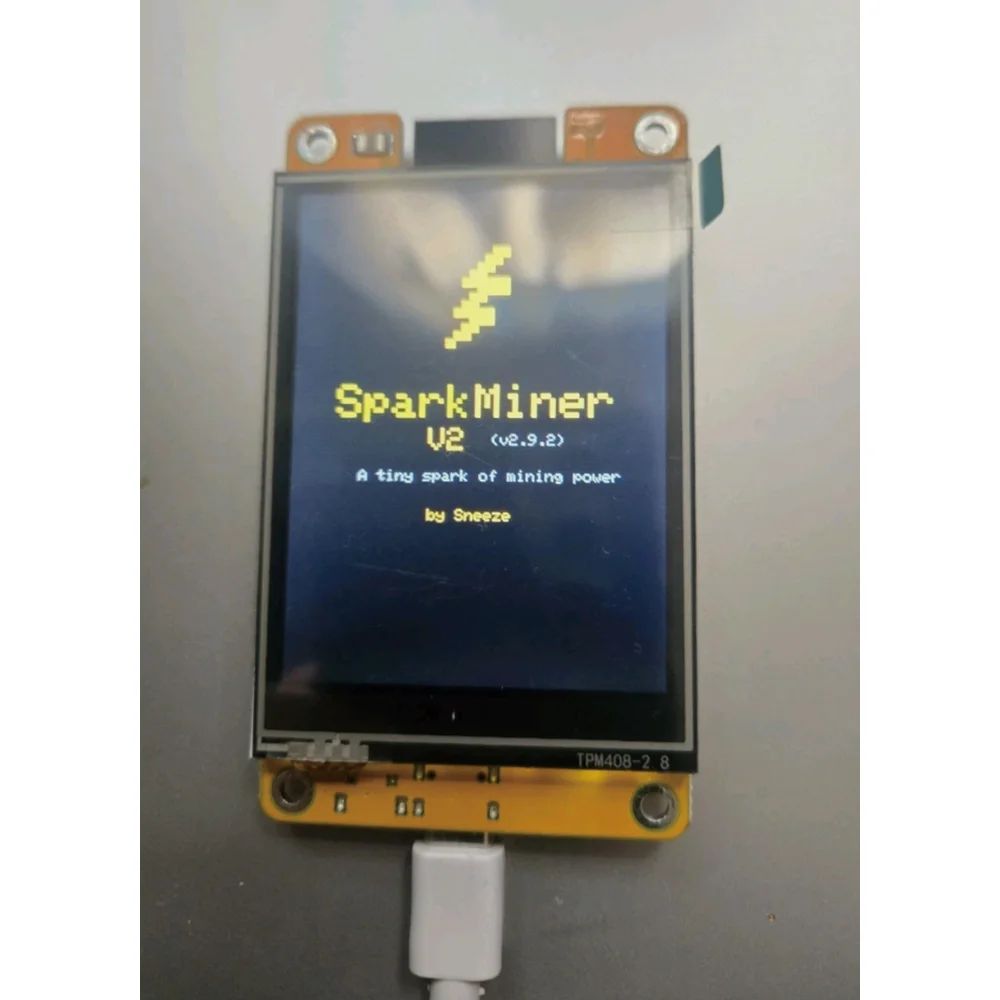
A new optimized, high performance Bitcoin solo mining device engineered for speed, stability, and a polished user experience.
Producing 700+ kH/s!
SparkMiner delivers up to twice the hashrate of a standard NerdMiner 👍
All the simplicity of Nerdminer with more speed ⭐️
Configuration:
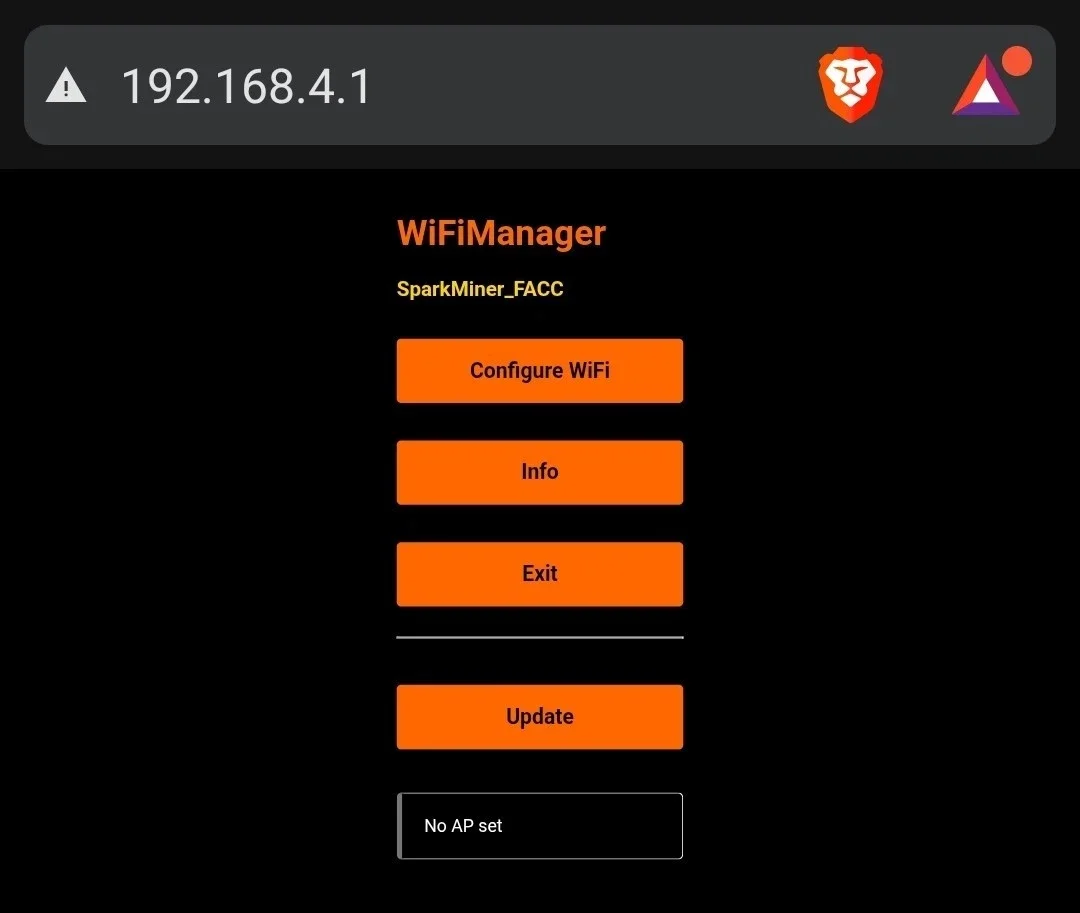
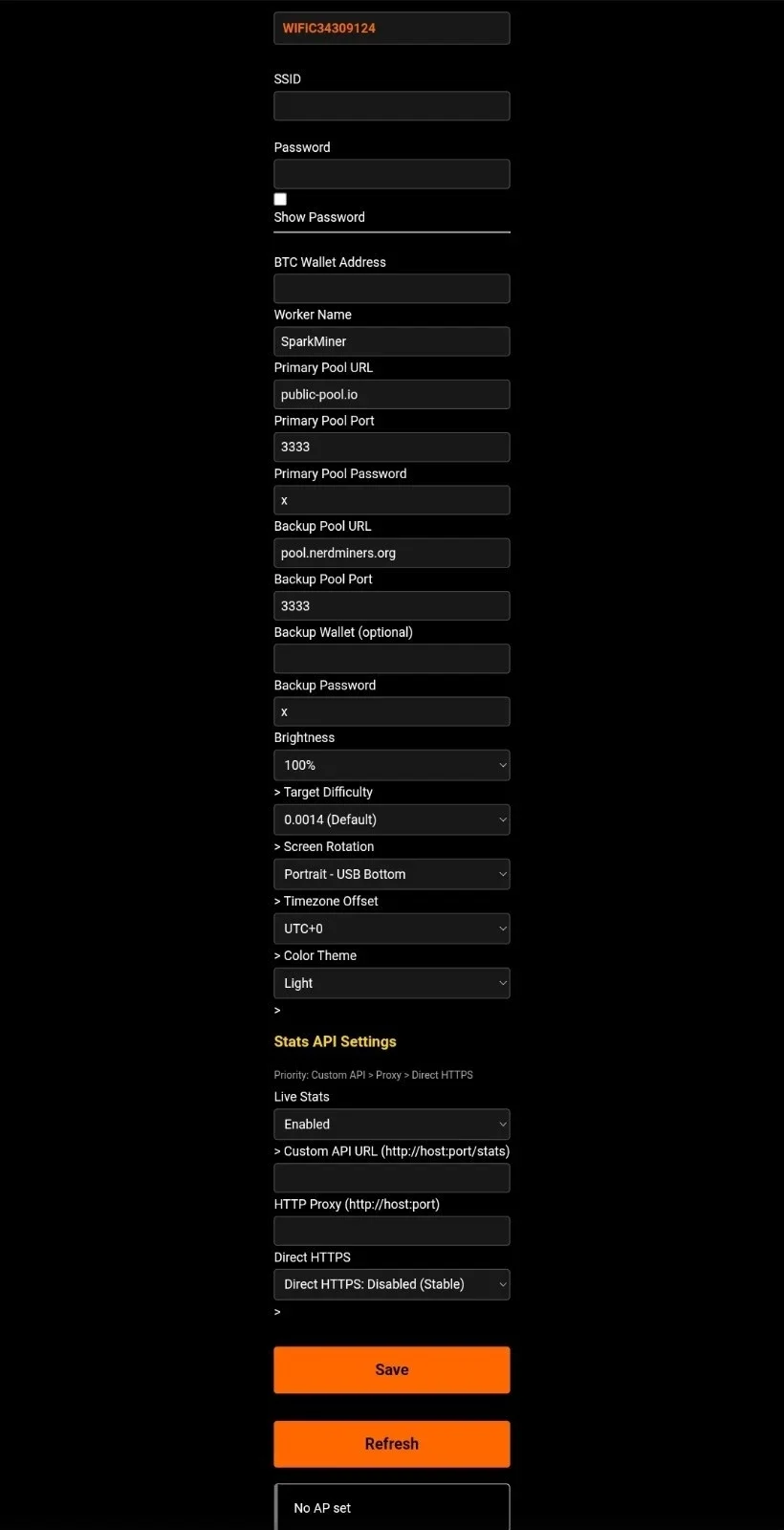
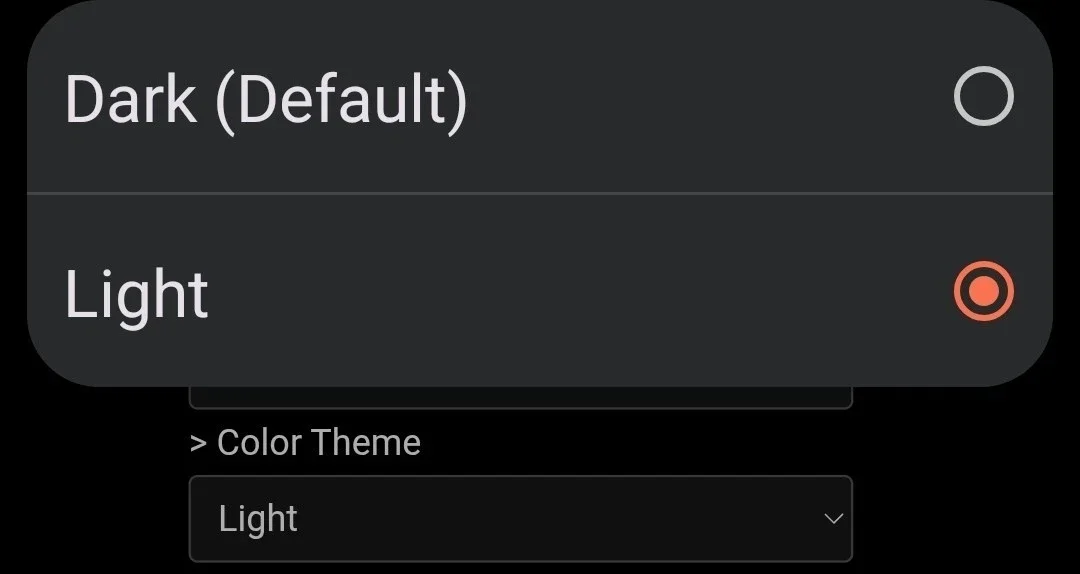
SparkMiner features a fully redesigned web-based configuration panel with both light and dark mode support. The display theme can be changed directly within the configuration portal at 192.168.4.1.
The web portal provides full control over:
- Primary and Backup Pool settings
- Display brightness
- Screen rotation
- Color inversion
- Target difficulty
Everything is accessible from a clean, dark-themed control panel built for ease of use.
Setup Instructions:
1) Power on the SparkMiner device.
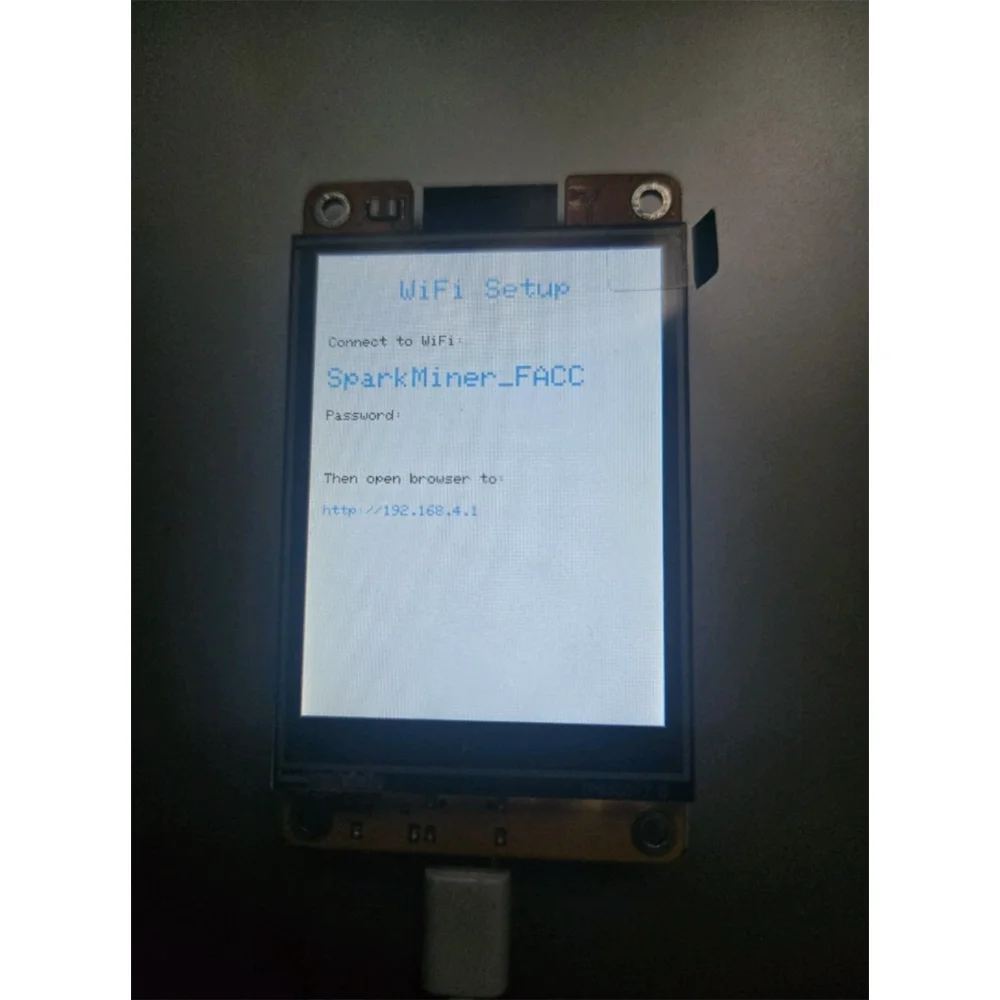
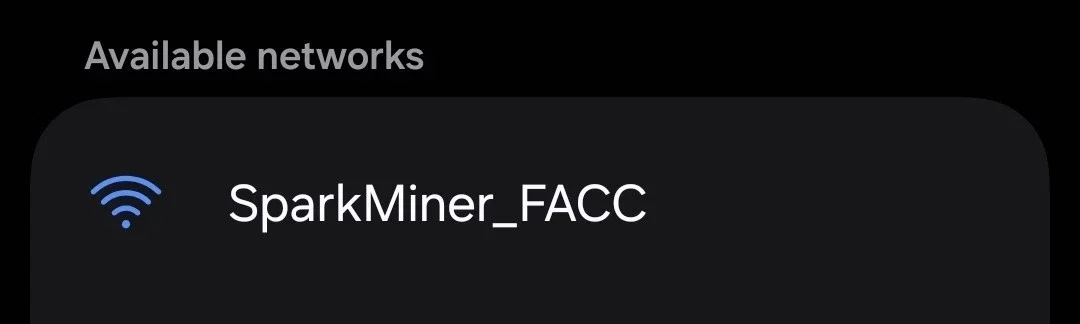
2) Connect to the WiFi network: SparkMiner-XXXX
3) Open a web browser and go to:
192.168.4.1
And input your Wifi info, detected networks will display on top of the page (may need to scroll up to see)
4) Enter your Primary and Backup mining pool information, defaults to Public-Pool.io (port fixed), and Pool.nerdminers.org.
5) Input your Bitcoin payout address *see info on that below*
6) Adjust display settings and target difficulty as desired. (Leave defaults if you dont need to make the change)
7) Click Save. The device will reboot and automatically connect using your settings.
Once configured, SparkMiner will begin mining immediately upon connection to your selected pool.
⭐️Bitcoin Mining Address Information⭐️
To receive mining rewards, you must enter a valid Bitcoin wallet address. Compatible Bitcoin addresses typically begin with:
1
3
bc1q
These formats are standard for Bitcoin mainnet wallets.
It is strongly recommended to use a self-custody wallet where you control the private keys. Avoid using exchange deposit addresses such as Coinbase or other centralized exchanges, as many exchanges do not support direct mining reward deposits and may reject or lose funds sent from mining pools.
Always verify your wallet address carefully before saving your configuration.
Package includes:
1x SparkMiner 700kh/s+ device
1x USBC cord
1x acrylic case
Button Control
Action |
Function |
Notes |
Single click |
Bicycle sieve screen |
Mining → Statistics → Clock |
Double click |
Cycle rotation (0°→90°→180°→270°) |
Rotation saved to NVS |
Triple click |
Toggle color inversion |
Saved to NVS |
Long press (1.5s) |
Factory reset |
3-second countdown, release to cancel |
Boot hold (5s) |
Factory reset |
Alternative if interface is unresponsive |
Note: Thanks to a dedicated FreeRTOS task, the button remains responsive during mining.